Key points
- Works on most Samsung and LG TVs from the last few years
- No extra hardware if a suitable app is available
- A streaming stick is the quick fix for older TVs
If you own a fairly recent Samsung or LG television, there is a good chance you can watch Glomax8k without buying anything else. Both brands have app stores with IPTV players that load your account directly. The process differs a little from Fire TV or Android, because many TV players are set up through a website using a code shown on the TV. We cover both methods below.
Know your TV
- Samsung TVs run Tizen. Press Home and open Apps to reach the store.
- LG TVs run webOS. Open the LG Content Store, shown as Apps on newer sets.
- Update first: Settings › Support › Software Update on Samsung, or Settings › General › About This TV on LG. Many players need recent firmware.
Choose a player
Search the store for "IPTV" and you will find several options. Some are free; others charge a small one-time or yearly fee to the developer, separate from your Glomax8k plan. Check recent reviews for your model year. When you order, we tell you which player is working best on Samsung and LG right now.
Add Glomax8k to your TV
- Install the player from the TV's app store and open it.
- Write down what it shows on screen. Many TV players display a device ID, MAC address or short pairing code.
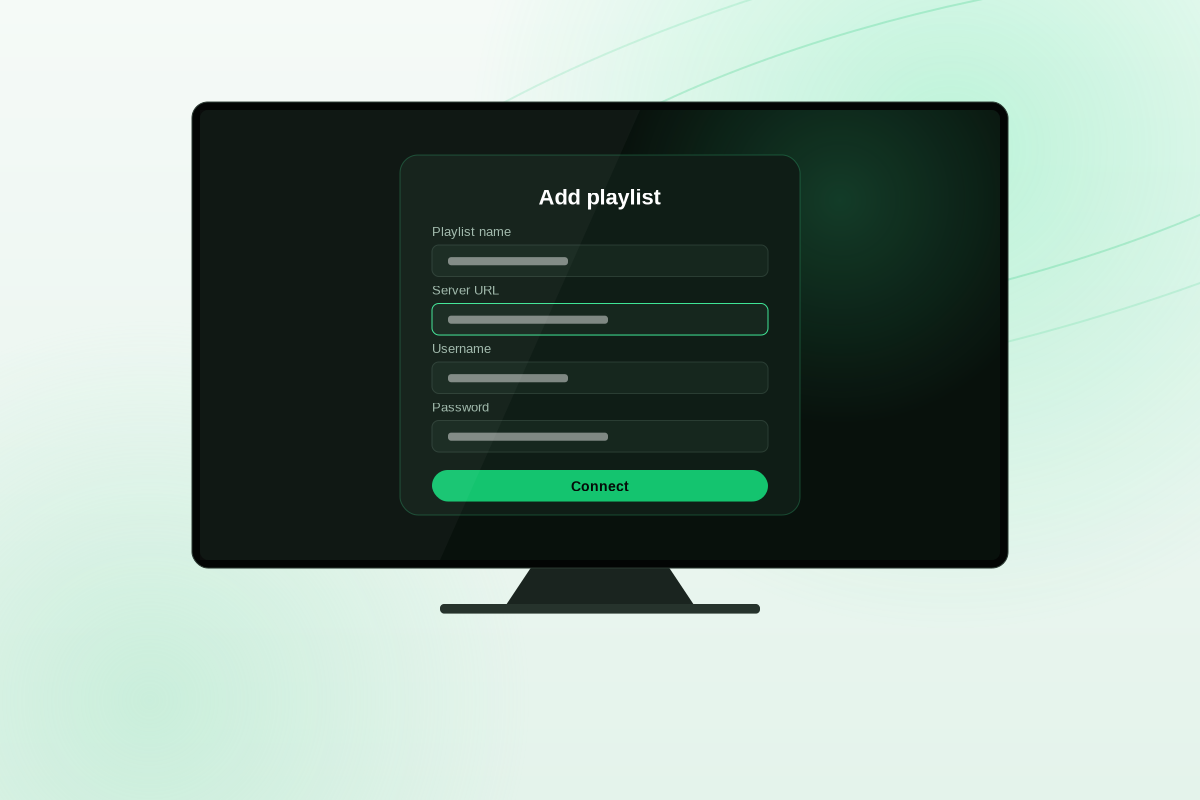
- If there is a login form on the TV, choose Xtream Codes and enter the server URL, username and password from WhatsApp.
- If the app asks you to add playlists on its website, open that site on your phone or laptop, enter the device ID or code, and paste your Glomax8k details there.
- Go back to the TV and restart the app or choose Reload. Channels, movies, series and the guide will download.
Send us the device ID or MAC address your TV app shows if you would like us to handle the website step with you.
Wire it if you can
Smart TVs often have weaker Wi-Fi than phones and laptops, and many have only a 100 Mbps Ethernet port. That is still plenty for 4K, so a cable from the router gives the steadiest picture. If running a cable is not practical, a powerline adapter or a mesh node near the TV is the next best thing.
When a stick is the smarter buy
TVs more than six or seven years old may no longer receive updated apps, and their processors can choke on large channel lists. An inexpensive Fire TV Stick 4K or Google TV streamer will feel much faster. See our Fire TV guide or Android and Google TV guide.
Picture tips
- Turn motion smoothing off for movies, and decide for yourself whether you like it on for sports.
- Use Game mode only if the remote feels laggy; it reduces some picture processing.
- If the guide looks wrong, check the TV's own clock and time zone in the General settings.
Need a hand? Message us on WhatsApp with your TV model and a photo of the screen.