Key points
- Works on every current Fire TV Stick, Cube and Fire TV smart TV
- Plan on about ten minutes the first time
- Have your Glomax8k login from WhatsApp ready
The Fire TV Stick is the single most popular way to watch Glomax8k in the United States. It is cheap, it plugs into any HDMI port, and the 4K and 4K Max models have the processing power to handle a huge channel list and high-bitrate live sports without breaking a sweat. These steps work on every generation of the stick, on the Fire TV Cube and on TVs with Fire TV built in from brands such as Insignia, Toshiba and Hisense.
Before you start
- Update Fire OS. Go to Settings › My Fire TV › About › Check for Updates, install anything waiting and let the stick restart.
- Clear some room. Uninstall apps you never open. Player apps need storage for the channel list and the program guide.
- Find your login. When you order or request a trial, we send your Glomax8k details on WhatsApp: a server URL, a username and a password, and sometimes an M3U link as well.
Pick a player app
Glomax8k plays inside a third-party IPTV player. Some are listed in the Amazon Appstore, which you can search from the Fire TV home screen; others are installed from the developer's official website with Amazon's free Downloader app. Our welcome message names the player we currently recommend for Fire TV, with the exact steps for that app.
Install apps only from the Amazon Appstore or the developer's own website. Never install a "preloaded" app file sent by a stranger.
Install the player
- If the app is in the Appstore, open the search icon, type its name, select it and press Get. Once it finishes, jump to the next section.
- If it is not in the Appstore, open Settings › My Fire TV. If you do not see Developer Options, go to About and press the select button on your device name seven times.
- Install Downloader from the Appstore. Then open Developer Options › Install unknown apps and turn it on for Downloader.
- Open Downloader, enter the address of the player's official download page and follow the prompts. Delete the installer afterwards to free space.
Add your Glomax8k account
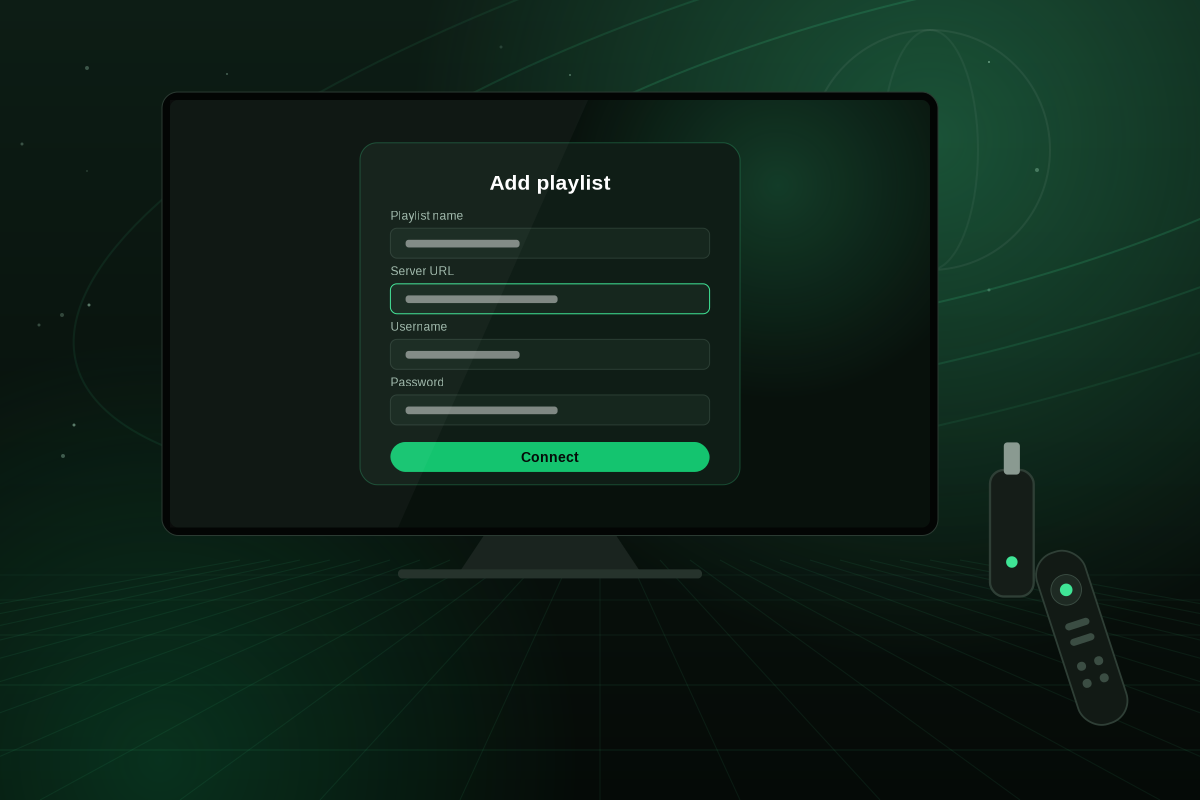
- Open the player and choose Add user, Add playlist or similar.
- Select Xtream Codes (sometimes called "Xtream API" or "login with username"). It is faster than M3U and loads the program guide for you.
- Type the server URL, username and password exactly as we sent them. The URL usually starts with
http://and may end with a port such as:8080. - Save, then wait a minute or two while live channels, movies, series and the guide download. Stay on that screen during the first load.
Typing with the remote is slow. The Fire TV app on your phone has a proper keyboard and makes entering long passwords much easier.
Tune it for live sports
- Match frame rate: on 4K models, switch on Settings › Display & Sounds › Display › Match Original Frame Rate for smoother motion.
- Favorites: put the channels you watch most in a favorites group so they load first.
- Hide categories: a shorter list opens faster and is easier to scroll with a remote.
- Guide time: if listings are off by an hour, check the Fire TV time zone (Eastern, Central, Mountain or Pacific) and the player's EPG offset.
Keep the stick quick
Fire TV Sticks have limited memory. Clear the player's cache from Settings › Applications › Manage Installed Applications now and then, and restart the stick once a week by holding Select and Play for five seconds. If the stick is jammed behind the TV, use the HDMI extender from the box so it can breathe.
Quick fixes
| Problem | Likely cause | Fix |
|---|---|---|
| "Invalid login" | A typo or an extra space | Re-enter the details using the Fire TV phone app keyboard |
| Live TV loads, movies are empty | The first download was interrupted | Refresh the playlist in the player's settings and let it finish |
| Freezing during games | Weak Wi-Fi or an older stick | Use an Ethernet adapter, move the router closer or switch to the HD version |
| Stick restarts by itself | Low storage or overheating | Remove unused apps, clear cache and give the stick some air |
Still stuck? Read our buffering guide or send a photo of the screen on WhatsApp.