Key points
- Both give access to the same Glomax8k account
- Xtream Codes is usually quicker and loads the guide for you
- Treat any login or link like a password
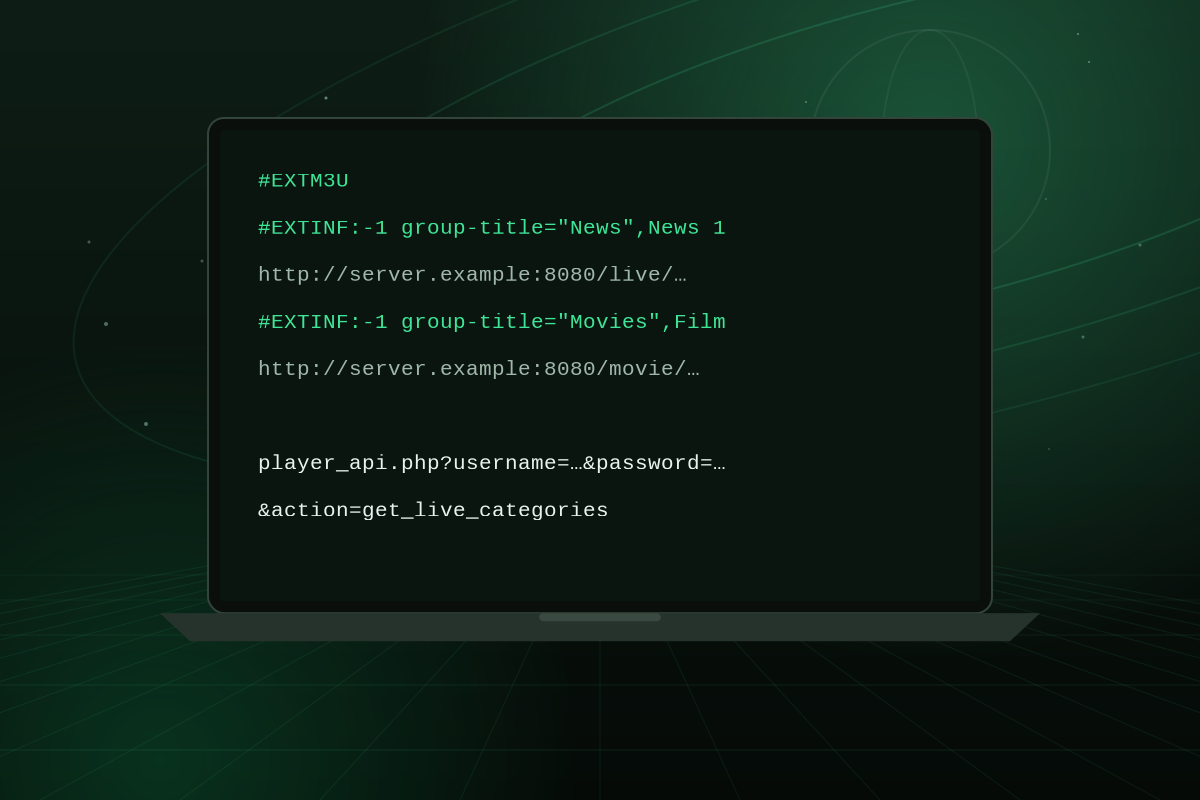
When we send your Glomax8k login, you may see a server URL with a username and password, a long M3U link, or both. They open the same account in different ways. Here is how to choose.
What is Xtream Codes?
Xtream Codes (also called Xtream API) is a login method using three pieces of information: a server URL, a username and a password. The player uses them to fetch live channels, movies, series and program guide data, already sorted into categories.
What is an M3U link?
An M3U link is a web address that points to a playlist file listing every channel and its stream. Almost every media player can open M3U, which makes it universal, but the guide usually needs a separate EPG link, and very large playlists can load slowly.
Side by side
| Xtream Codes | M3U link | |
|---|---|---|
| What you enter | Server, username, password | One long URL |
| Program guide | Loaded automatically | Often needs a separate EPG URL |
| Movies and series | Sorted with posters | Often mixed into one long list |
| Loading speed | Usually faster | Can be slow with big lists |
| App support | Most IPTV players | Almost every player |
Which should you use?
If your player supports Xtream Codes, use it. It is quicker to type, loads the guide for you and organises movies and series properly. Use M3U for general media players or apps without Xtream support.
And MAG portals?
MAG boxes use neither. They connect to a portal URL linked to the box's MAC address. See our MAG setup guide.
Keep your login private
Anyone with your M3U link or Xtream details can use your account, which may push you over your screen limit. Do not post them online or share them outside your household. If you think your login has leaked, message us and we will reset it.