Key points
- About 10 Mbps for HD, 15 to 20 for Full HD, 25 for 4K, per screen
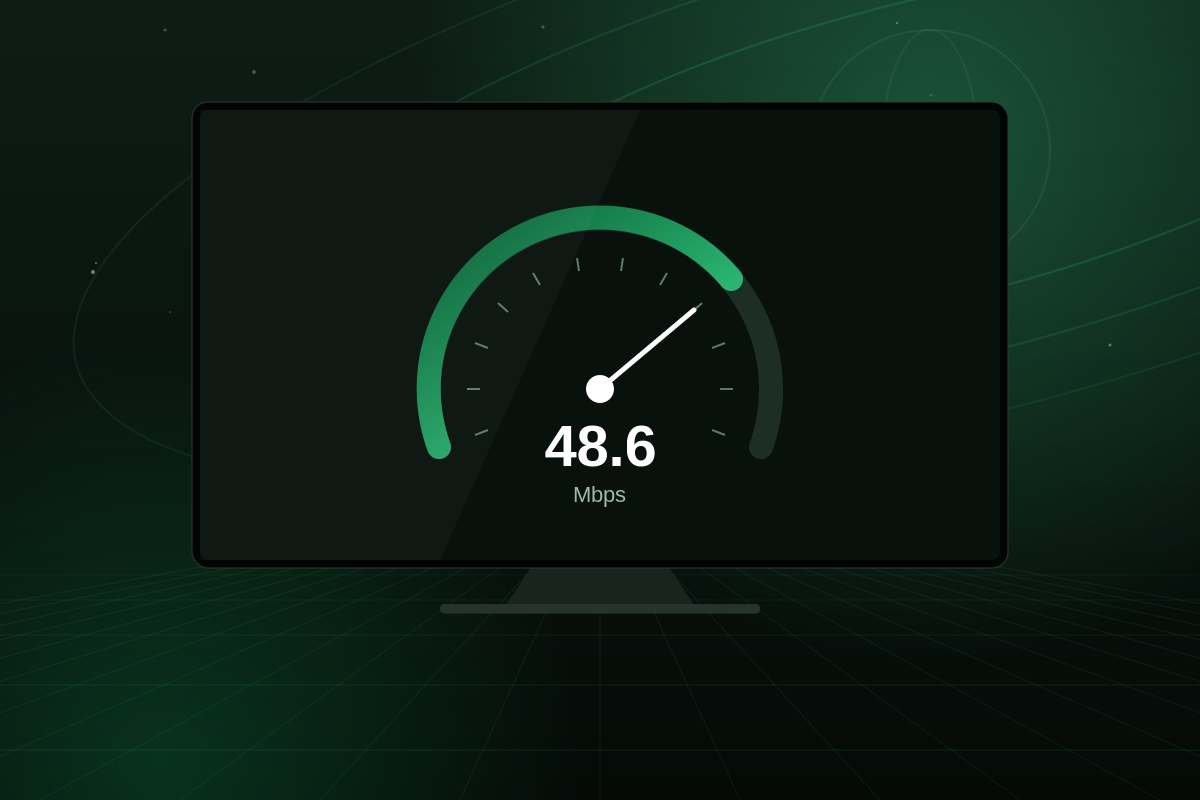
- Test on the TV in the evening, not on your phone at noon
- Stability matters as much as raw speed
"Is my internet fast enough?" is the most common question we get before people order. Here is a clear answer, plus how to test it properly.
The numbers
| Quality | Per screen | Comfortable for two screens |
|---|---|---|
| HD | About 10 Mbps | 20 to 25 Mbps |
| Full HD | 15 to 20 Mbps | 35 to 40 Mbps |
| 4K | 25 Mbps or more | 50 to 60 Mbps |
Add a margin for everything else in the house: phones, video calls, game downloads and smart home gadgets.
How to test properly
- Install a speed test app on the TV or stick you actually watch on.
- Test in the evening, when your neighbourhood network is busiest.
- Test once on Wi-Fi and once with a cable if you can, to see what the Wi-Fi is costing you.
- Look at jitter and packet loss if the app shows them. Low and steady is what live TV likes.
What US connection types can do
- Fiber: excellent for IPTV, including several 4K screens.
- Cable: usually plenty fast; evening congestion can occur in some areas.
- 5G home internet: often fine for HD and Full HD; speeds vary by location and time.
- DSL: may handle one HD stream; test before you buy.
- Satellite and fixed wireless: newer low-orbit satellite services can work well; older satellite internet with high latency often struggles with live TV.
Why stability matters
Live TV cannot download ahead the way a movie app does, so short drops show up as buffering. A steady 30 Mbps on a cable beats a jumpy 200 Mbps over weak Wi-Fi.
Getting more from your line
Wire the main TV, use 5 GHz Wi-Fi, place the router centrally and pause big downloads during games. Our buffering guide covers every fix in detail.
Not sure? Test with a trial
The surest way to know is to watch. Request a free trial and try a live game in the evening on your own connection.